Creating a Connector
Data Bridge Page
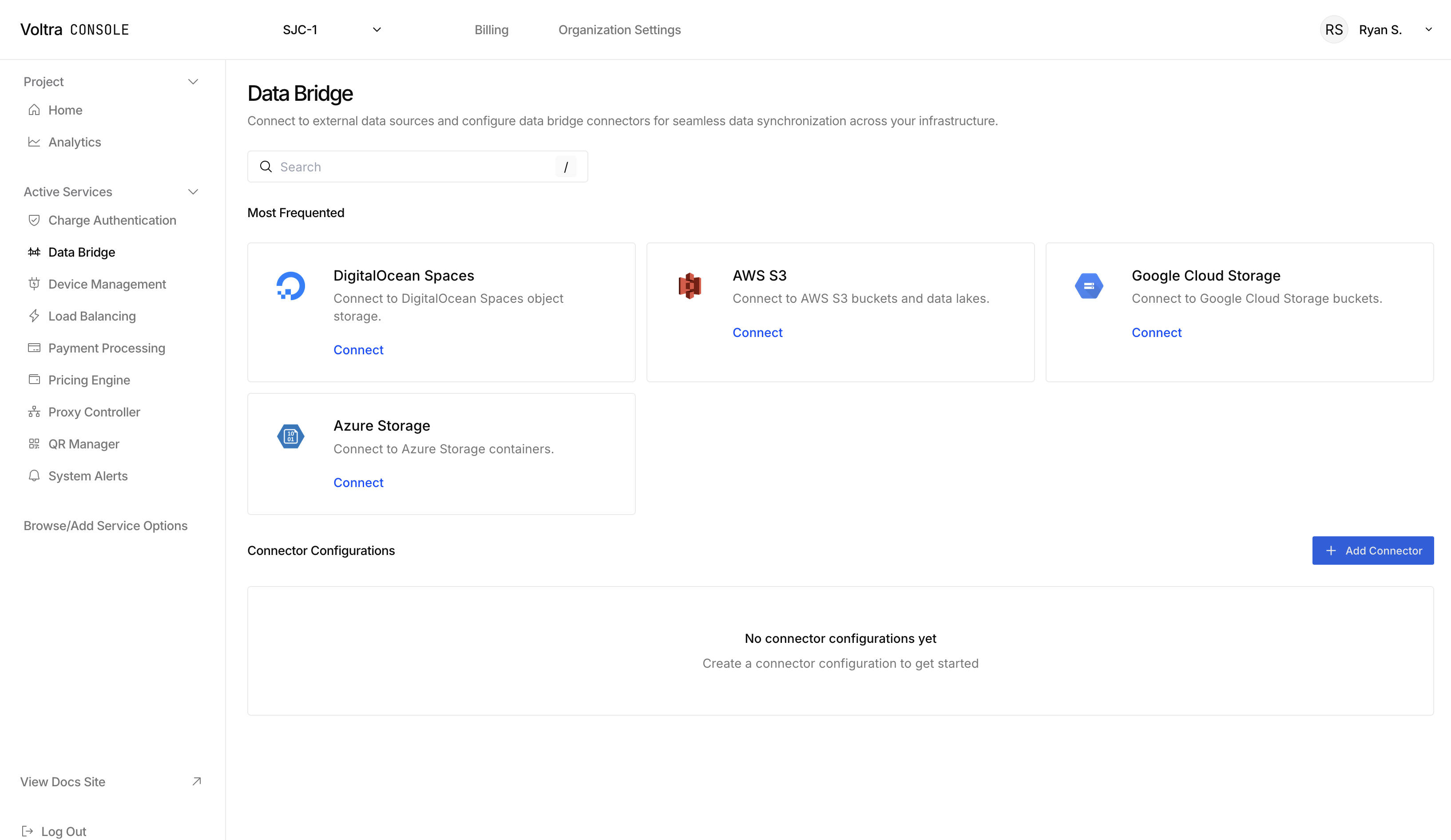
Start by visiting the Data Bridge page.
Adding a Connector
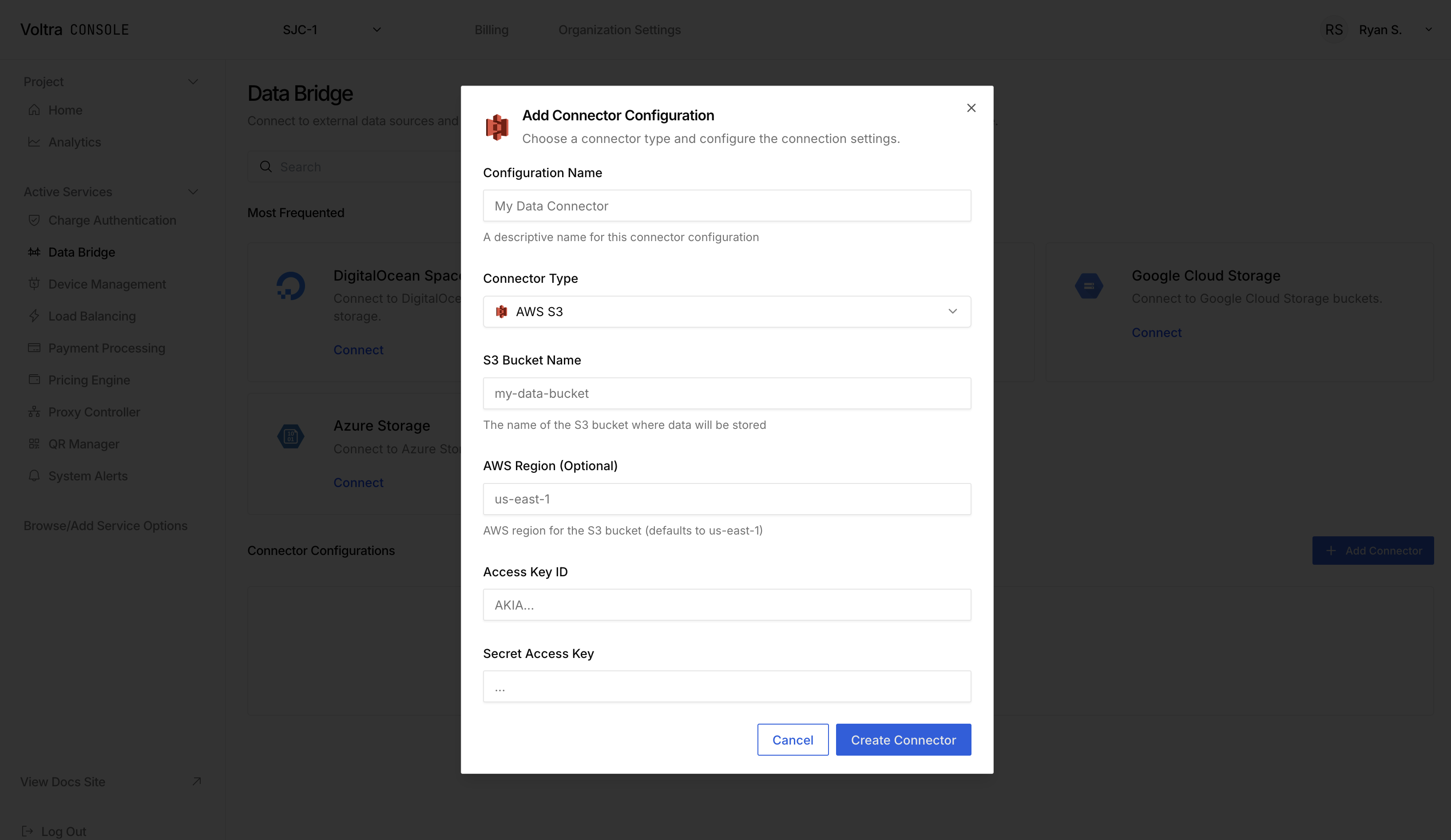
Click on "+ Add Connector" to open up the add connector modal. Alternatively click on the "Connect" button in the data bridge card that you want to connect to. Fill in the configuration for your connector and hit "Create Connector" to start streaming your logs into the data source.
Need Support?
Contact hello@voltra.com to get help.