About
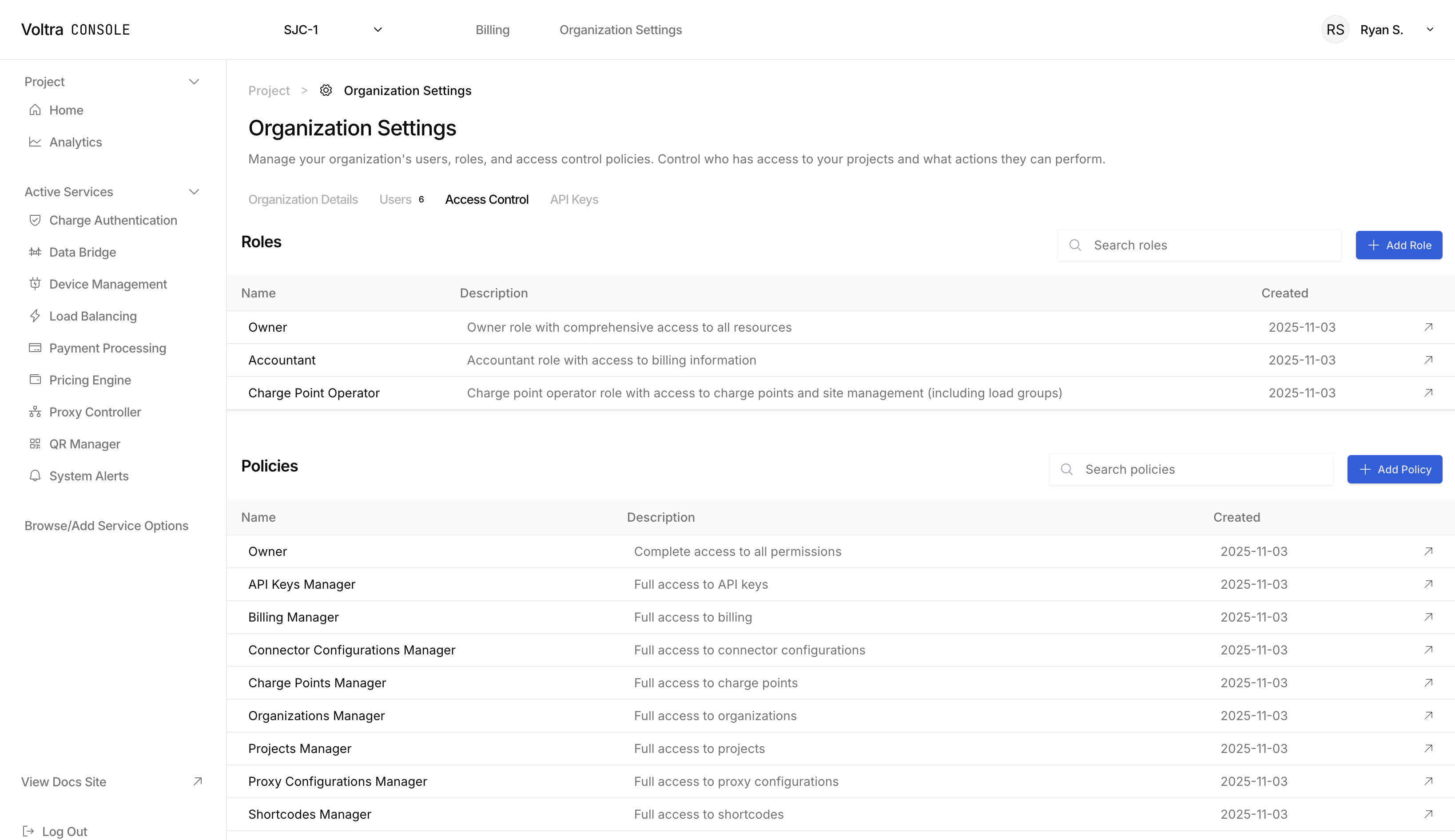
Access Control
Provide fine grained access control to your team. Give access to only what each individual needs, and nothing more. Visit the Access Control page to create roles and policies.
Roles
Roles map to job functions. For example, an account may only have access to read payment provider transactions and billing information. You should desire each user to have a single role.
Policies
Policies are grouped by function or resource. For example, you may have a policy for managing all EV charger related resources, and a policy for all industrial device related resources. You may assign multiple policies to a single role.
Permissions
Permissions are the fine grained grants that permit or deny an action. When an action is attempted in your cloud organization, we will verify whether a user has a role that is assigned a policy that contains the permission required for hte action.
Try it out
Visit the Access Control page to begin creating roles and policies. Assign roles to users on the Users page.